4 AI Design Tools in 4 Weeks - How they stack up
May 1, 2026
|
3
minute read
Blog

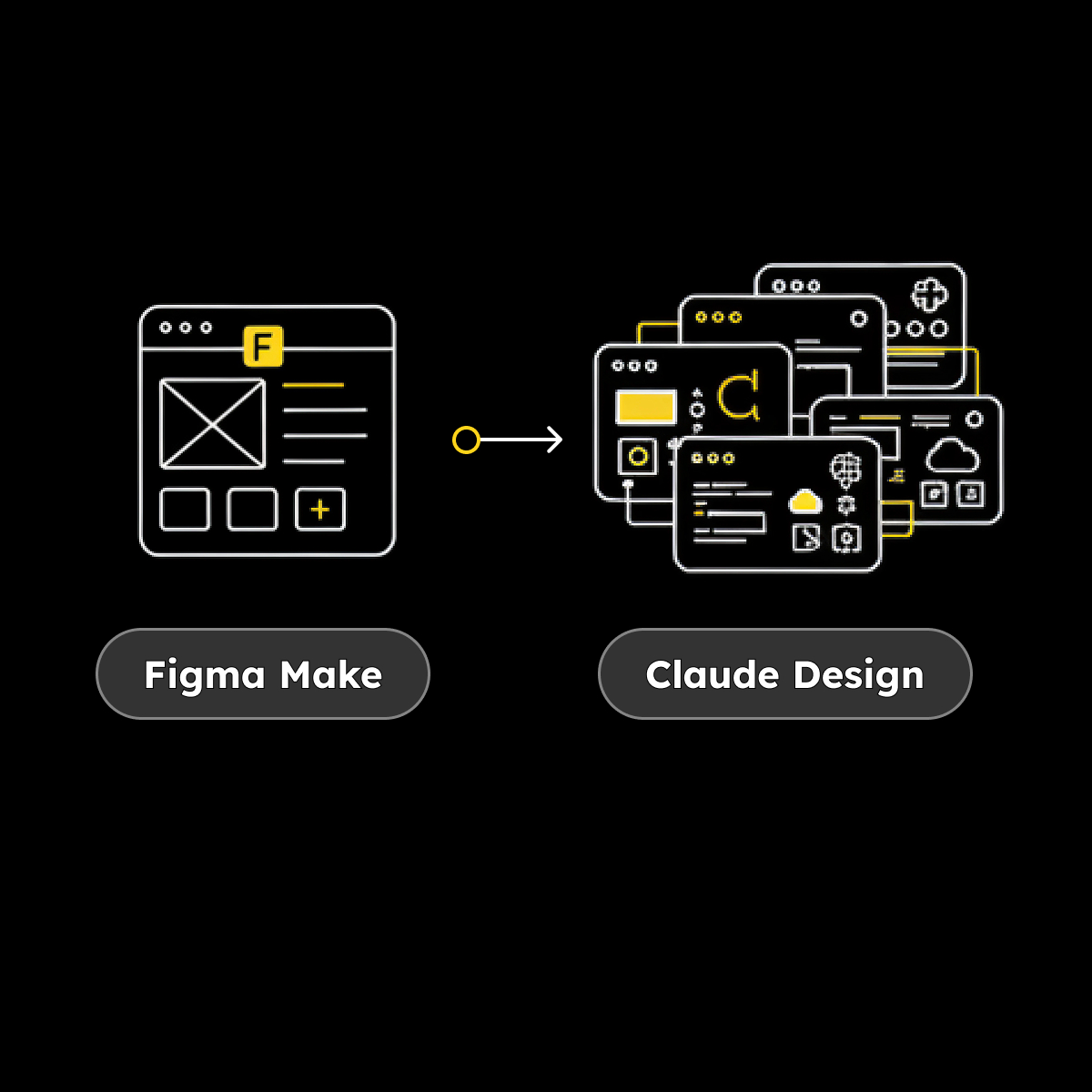
Over the past four weeks, I’ve been using a handful of AI UI design tools in real work to see how they actually hold up. Here’s how they compare, where they deliver, and where I jumped ship.
This was my entry point, and on paper it solves a very real pain: turning static designs into something interactive without manually wiring everything up. In practice, it does deliver on that. I was able to generate clickable prototypes quickly, share links with clients for feedback, and avoid building flows entirely from scratch.
That said, the cracks showed fairly quickly. The biggest issue was design system fidelity. It had a tendency to “interpret” components — adjusting styles, spacing, and behaviours in ways that weren’t always intentional. That’s fine for early exploration, but it becomes a problem when you’re trying to hand something to developers with confidence. It also wasn’t quite responsive enough to use live in workshops; there’s a lag between intent and output that disrupts the flow of facilitation.
Where it fits best:
Where it struggles:
In hindsight, rebuilding directly in the design system might have been just as fast, but as a first interaction with AI-assisted prototyping, it set a useful baseline.
This is where things started to shift. Instead of working inside a design tool, I moved into prompting — asking Claude to generate working HTML prototypes directly from requirements. The jump from interactive mock to functioning prototype isn’t incremental; it fundamentally changes how you think about fidelity.
Claude delivered quickly, but not always predictably. It has a habit of taking liberties — you ask it to fix one thing, and it quietly adjusts three others. That meant constant retesting, rolling back, and re-prompting to keep things on track. While the functionality was strong, the visual output lacked nuance. The interfaces worked, but they often felt generic, with heavy outlines, flat colours, and an odd tendency toward emoji usage. I got the impression they were trained off Runescape UI.
Where it fits best:
Where it struggles:
It’s undeniably powerful, but you’re trading a level of control for speed.
At this point, I tried to combine the strengths of both approaches. Instead of letting Claude generate everything, I used it to structure prompts for Anima, feeding in my Figma designs so the visual layer stayed intact while AI handled behaviour. This resulted in a noticeable improvement in output quality. Visual fidelity was stronger, interactions were closer to intent, and the end result felt more designed than generated.
However, that improvement came with added complexity. There were more moving parts, more setup, and more translation between tools. And then there were the bugs — persistent, frustrating issues that broke the experience in ways that weren’t always easy to diagnose or fix. Invisible overlays blocking clicks, simple interactions causing entire flows to fail, and fixes that didn’t hold across iterations made the process feel heavier than it needed to be.
Where it fits best:
Where it struggles:
It’s closer to something you could embed in a production workflow, but not without friction.
I uploaded a Figma file, selected a set of screens, and Claude Design generated a working product — not a mock or a partial prototype, but something functional and extensible.
From there, I pushed it further. I had it generate a design system, build additional features from written requirements, integrate with an AI API, and even create a modal so users could input their own AI API key for testing. All of this happened within a single environment, without the need to stitch together multiple tools.
The leap here is hard to overstate. Comparing this to where things started a few weeks earlier feels like comparing Paint to Photoshop.
Where it fits best:
Where it struggles (so far):
It’s the first tool in this set that genuinely feels like it’s collapsing multiple stages of the workflow into one.
Looking across all four, this isn’t just a comparison of tools — it’s a snapshot of acceleration. Each step reduces friction, increases capability, and shifts where your attention needs to be.
You move from:
The progression is clear, but so is the implication: the tools are getting faster than our ability to evaluate them.
After a month of working this way, the biggest takeaway isn’t which tool is “best.” It’s that the bottleneck is no longer making things. All of these tools can produce output quickly. The harder part — and the part that’s becoming more valuable — is knowing what to make, knowing whether it’s any good, and knowing what to trust.
If you’re deciding whether to adopt any of these tools, the better question isn’t “which one should I use?” It’s:
Because that’s the real spectrum here. Not AI versus no AI, but control versus acceleration.
I’ll keep pushing this further. Next step is seeing how close the full Claude stack gets to taking something from idea to working product. It feels like we’re not that far off.


.svg)